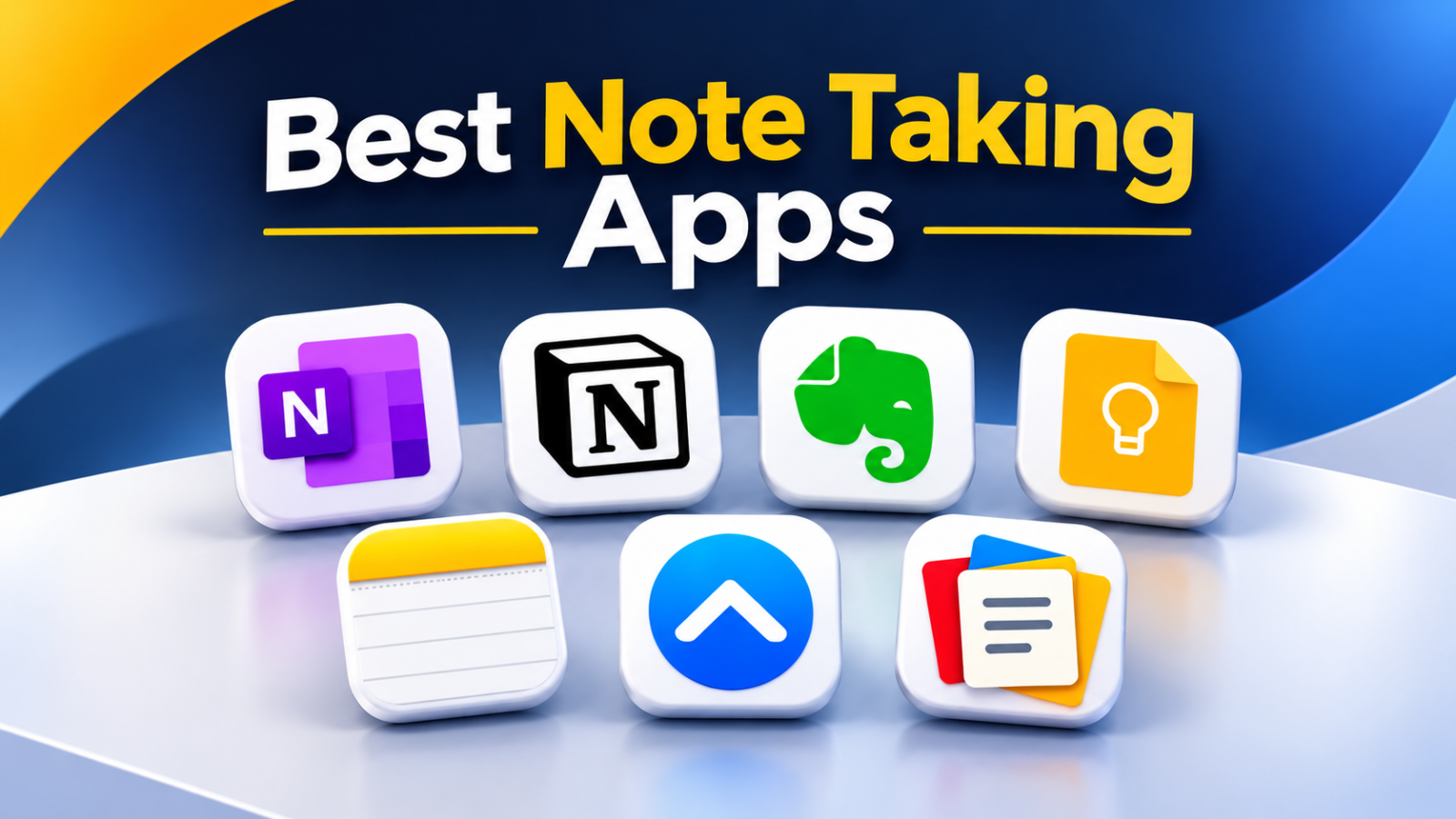
Gone are the days of having your notes scattered across napkins, the back of receipts, and whatever piece of paper you can find.
Consider these note-taking apps to keep your ideas close and get your thoughts in order.
1. Microsoft OneNote
Best For: Best Free Note-Taking App
Pricing: Free, Paid subscription plans
Microsoft OneNote is the digital version of a well-stocked stationery cupboard you wish you had. Instead of a plain list of notes, it gives you notebooks, divided into pages and sections. You’ll feel at home within 30 seconds.
The freedom of its canvas sets it apart. While most note apps keep you in a neat vertical column, with OneNote, you can click anywhere on a page and start typing. It’s wonderfully chaotic, a big reason why creatives swear by it.
Features:
- You can write and sketch by hand if you have a tablet or a touchscreen laptop with a stylus.
- Drop in photos, audio recordings, PDFs, and web clippings and keep everything in one place.
- Search for words inside images and scanned documents, which honestly, feels like a bit of magic the first time you try it.
- Works with Mac, Windows, iPhone, Android and the web.
- Free to start.
Verdict
OneNote is a generous, all-rounder if you already live in the Microsoft world. It doesn’t win any awards for minimalism, but it performs pretty decently. More importantly, it doesn’t ask you to pay for the privilege of getting started.
Also Read: What is the Sentence Method of Note Taking?
2. Notion
Best For: Best for All-in-One Note-Taking and Organization
Pricing: Check price
Notion is your happy place if you’ve ever wished your notes could behave more like a spreadsheet.
You start with a blank page, and then you build it to whatever you want: a content calendar, to-do list, or even a recipe database.
Each page holds other pages and you can view the databases as tables, boards, calendars, or galleries.
Features:
- Allows sharing, commenting, and real-time collaboration. Great for startups and project teams.
- Endlessly customizable. Its templates cover everything so you don’t have to start from scratch.
- Has a generous free tier. You can get a lot done without paying.
Verdict
Notion is brilliant if you want your notes and projects living side by side. But if you simply want an app to jot down a shopping list in two seconds, it may be more toolbox than you need.
3. Evernote
Best For: Best for Capturing and Organizing Information
Pricing: Check price
Evernote has been around long enough to see trends come and go. Its main idea still remains the same: a single place to save your articles, documents, handwritten pages, and find them in seconds.
It is the grand old name of note-taking.
Features:
- Has a powerful browser extension that saves articles and pages with a click.
- You can search texts inside images and PDFs.
- Notebooks and tags give you plenty of ways to sort things.
- It pairs well with calendars and tasks.
Verdict
Evernote is a strong choice for you if you archive a lot and don’t mind a subscription. If you’re on a budget, try the free version first and see how it works for you.
4. Google Keep
Best For: Best for Quick Notes and Reminders
Pricing: Free to use with any Google account
Google Keep is a wall of colorful sticky notes. It’s the digital equivalent of a sticky note on the fridge.
Its main selling point is how quick and easy it is to use. Open it, type an entry, and you’re done. There is no setup or system to learn, which is why millions of people use it daily.
Features:
- It’s quick to open and easy to use.
- Notes appear as little cards, and you can pin, label and color-code them.
- Open notes in a Google Docs sidebar and use them across Gmail and Calendar.
- Available free with your Google account, and works on Android, iPhone and the web.
Verdict
Formatting in Google Keep is minimal and there’s no real way to nest notes inside folders. That said, it works pretty well for short notes, grocery lists, passing ideas and reminders.
Besides, it’s hard to beat for the price of nothing.
5. Apple Notes
Best For: Best for Apple Users
Pricing: Free
The best part about Apple Notes is that you probably already have it. It’s quick and clean, and woven into Apple devices so using it feels effortless.
It’s incredible how it has grown from a humble notepad over the years into a seriously capable notes app.
Features:
- You can scan documents using your camera.
- Allows you to share notes or folders with family and friends.
- Jot something down from the Control Centre or lock screen without opening the app.
- Smart folders and tags keep things tidy, and the design stays out of your way.
Verdict
Apple Notes is the sensible default if you live in Apple’s world. It offers a lot more than its modest reputation suggests.
However, if you use a mix of devices, you’re better off looking elsewhere.
Also Read: Outline Note Taking Method
6. UpNote
Best For: Best for Simple, Organized Note-Taking
Pricing: Check price
UpNote is built around a clean and minimal design that makes writing feel pleasant. It’s the kind of app that you open and instantly feel a little more organized.
Features:
- Has a beautiful and distraction-free interface. Its focus mode suits anyone who likes to concentrate on the words.
- Works across iPhone, Android, Mac, Windows and the web.
- Organizes notes into tags and color labels to make everything easy to find.
- Comes with a free version, and the premium upgrade is more affordable than most rivals.
Verdict
UpNote is lovely for anyone who wants a simple and polished home for their notes. Its price is fair and the features are worth a look.
Keep in mind that the app is still young and small, and still doesn’t have the huge integration ecosystem of the big names.
7. Zoho Notebook
Best For: Best for Visual Note-Taking
Pricing: Check price
Zoho Notebook is like a bulletin board that comes to life. Every notebook gets its cover, and the entire thing feels like arranging a scrapbook.
It’s tidy, playful, and one of the few free apps that don’t ask you to pay with personal data or ads.
Features:
- Each notebook is in a separate card that you can drag, resize, and rearrange.
- Lock notes and notebooks with a password or biometrics.
- Syncs across different devices and allows you to pick up from wherever you left.
- Depending on your plan, its built-in assistant helps with tasks like summarising and tidying tests.
Verdict
Zoho makes note-taking feel a bit more fun. It’s worth a try if you’re looking for something bright and simple that respects your privacy. Note that integrations with non-Zoho tools are limited.
Which Note-Taking App Should You Pick?
Most of these apps have a free version or trial. The smartest move would be to use them for a week with real ones and see which one works for you.
The best app is the one you’ll actually open. Don’t be too hard on yourself if the shiniest option isn’t the right one for you.
And if you’re simply happy with napkins, well, that also works, kind of.